A multi-provider webcam marketplace needs a way to onboard hosts, help visitors discover live rooms, collect payments and support providers. PaidVideoChat’s adult videochat setup combines a public WordPress room directory with private paid sessions and optional studio workflows.
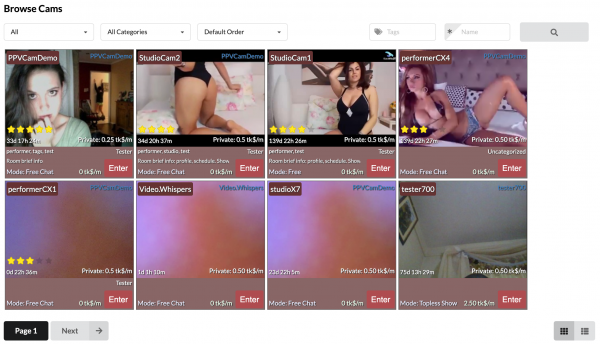
Comparable platforms
Chaturbate, LiveJasmin and MyFreeCams are reference points for browsing providers and moving from public rooms to private sessions. Plan each workflow for your own audience, providers and operating rules.
Chaturbate show types · MyFreeCams room and profile features
Set up provider onboarding, rooms and billing
- Confirm that your hosting and payment providers support your business model and launch regions. Review applicable age and identity verification, consent, recordkeeping, reporting and takedown requirements with qualified advisers.
- Configure separate provider, client and moderator roles. Approve a small roster, add a room per provider and test listings and profiles. Configure studio accounts only if managers need to operate multiple provider profiles.
- Decide which rooms are public and which paid group or private modes to offer. Configure the selected wallet, rate, grace time, client balance requirements, earnings share and payout process.
- Assign responsibility for reports, moderation and support. Test how staff handle an eligibility failure, a report, a suspended room, a dispute and an attempted session with insufficient credit.
Test before launch
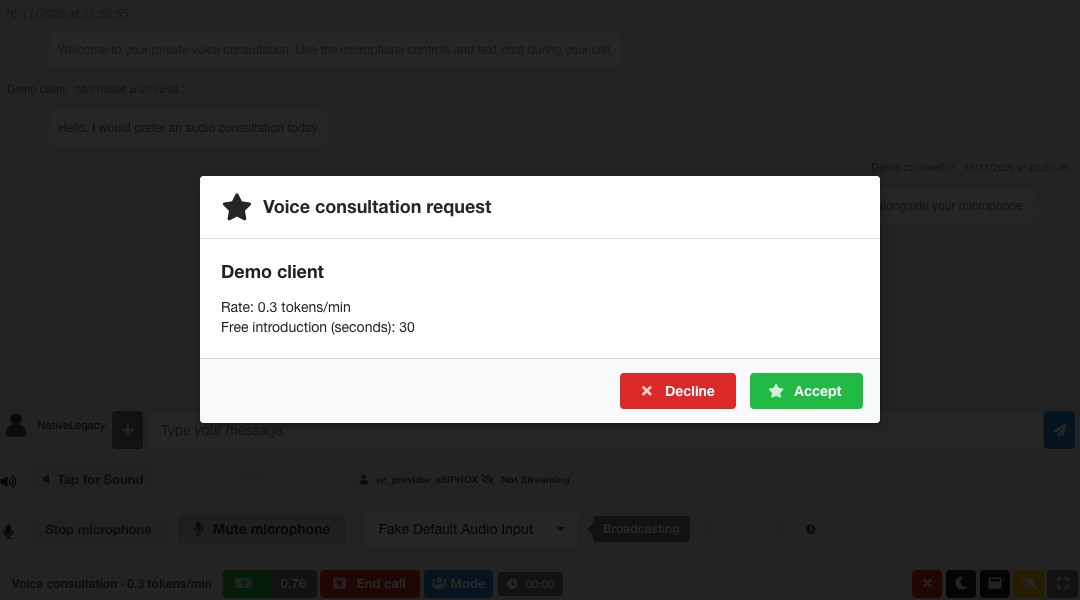
Run a pilot with authorized test accounts. Verify room discovery, accept and decline flows, a private call, accurate charges and earnings, and a complete moderation response. Size hosting for concurrent calls and streams.
Setup resources
Official adult videochat setup · Paid access and billing options · PPV Live Webcams plugin · PaidVideoChat demos · Compare live hosting
Browse PaidVideoChat recipes · Compare VideoWhisper plans and services

@nflux1 You can setup an adult cam site using this plugin: http://t.co/IurJhO3S0c