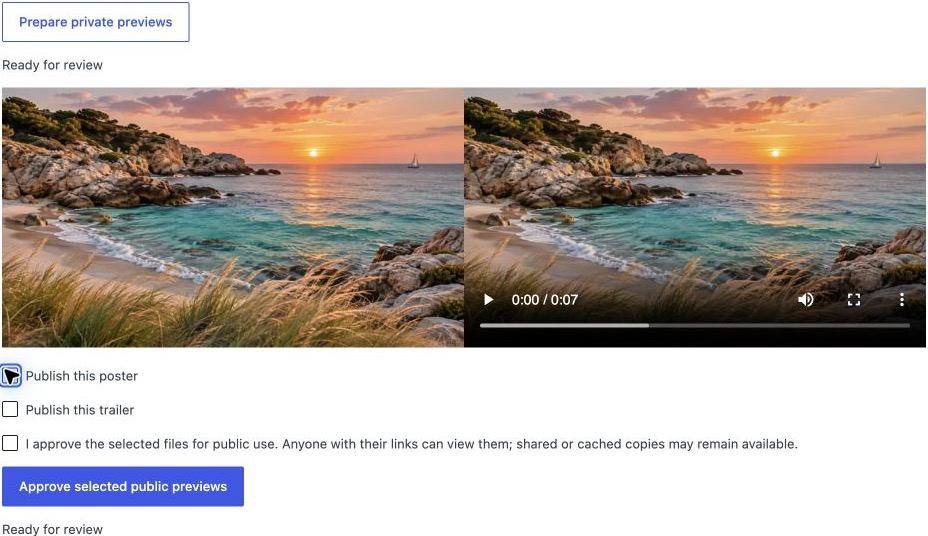
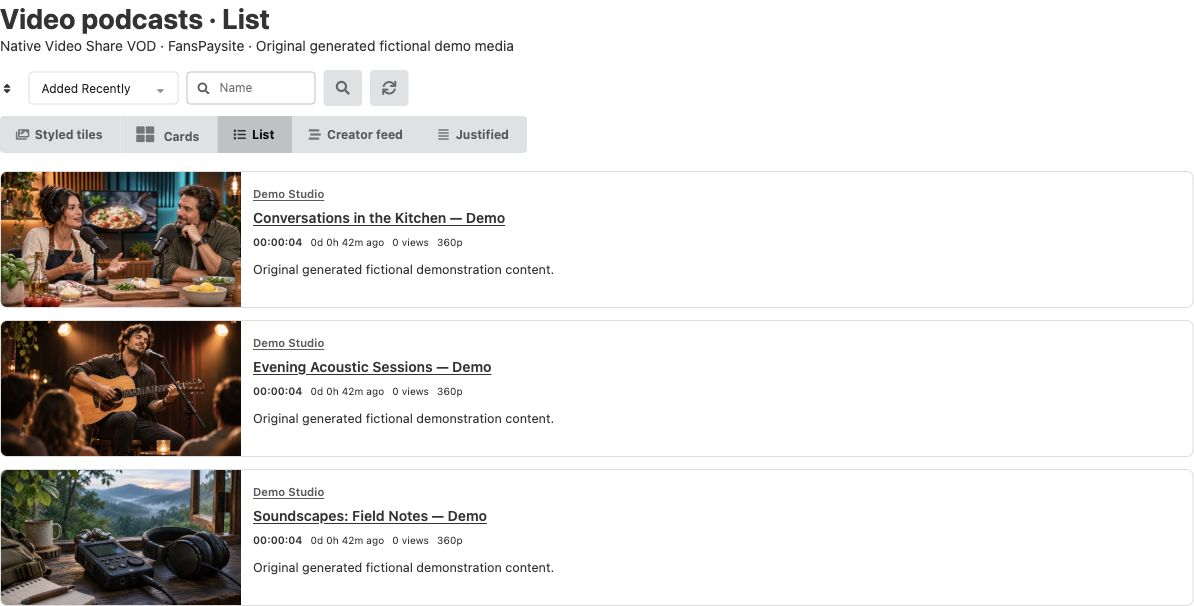
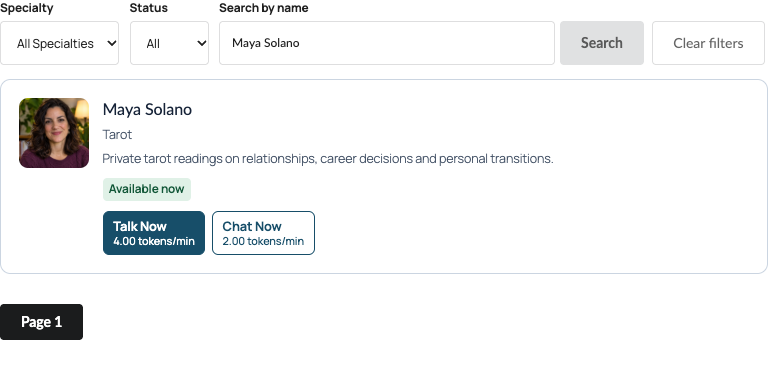
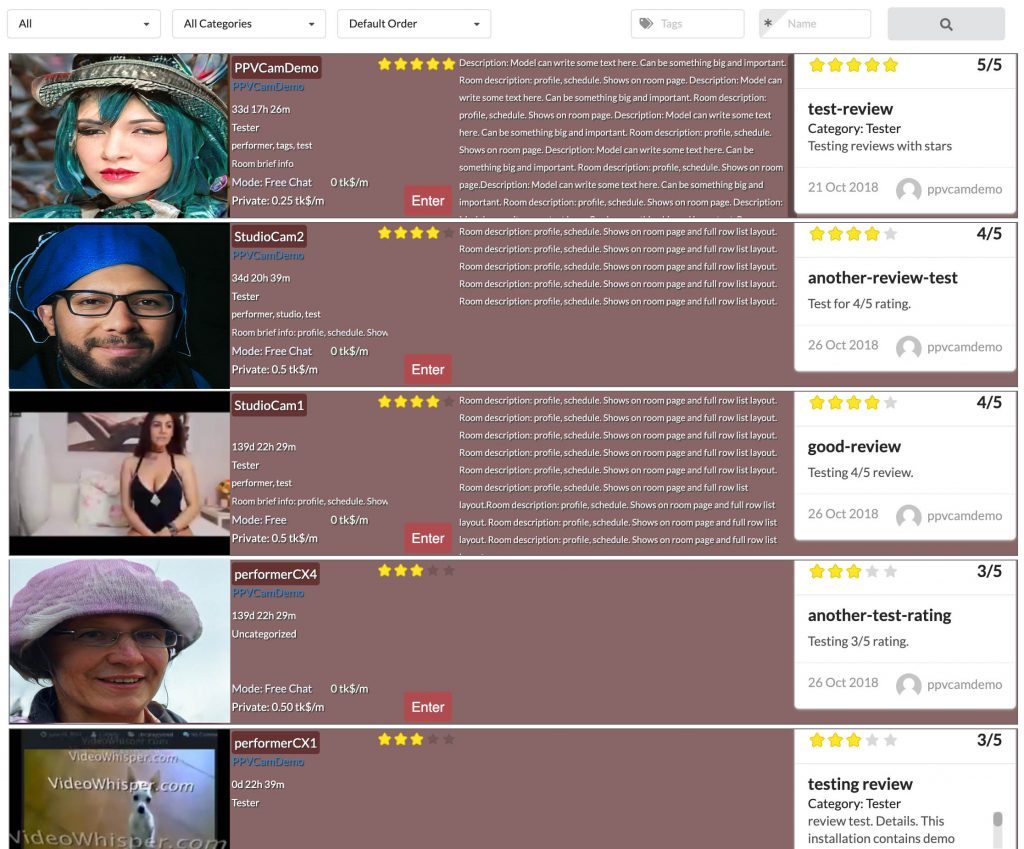
Give providers a room they can open from a browser and give visitors a directory of who is live. The Generic Videochat preset in PPV Live Webcams is a starting point for a live service on your own WordPress domain.
Comparable platforms
Twitch illustrates browsing live channels by category. Chaturbate’s public rooms and private requests illustrate a different part of the flow: a visitor can discover a provider in a room before requesting their own session. Decide which of those interactions fits your audience.
Twitch categories · Chaturbate show types
Set up the Generic Videochat recipe
- Install PPV Live Webcams on HTTPS WordPress and configure compatible live streaming. In Paid Videochat settings, open Site Setup, preview Generic Videochat and optionally create a room directory draft.
- Choose provider and client roles. Approve one test provider, set up a room and place the directory in your site navigation after checking its name, category and live-status filters.
- Pick the channels you need. A public room can support discovery. Configure private video, microphone or text options separately where supported by the selected app and room mode.
- If you charge per minute, connect a supported wallet and review the rate, grace time, required balance and provider earnings before enabling paid calls.
Test before launch
Use two accounts on different devices. Check that visitors can find the room when it goes online and that a private request shows the correct rate. Run a test session to verify timing, disconnects and the resulting wallet and provider records.
Setup resources
PaidVideoChat features · PPV Live Webcams plugin · PaidVideoChat demos · Compare live hosting
Browse PaidVideoChat recipes · Compare VideoWhisper plans and services